



GoProfiles is making it easier to find the right people, stay connected across your organization, and recognize great work.
This latest round of updates brings GoProfiles into ChatGPT, gives teams a clearer view of who’s out of the office, and makes it easier to recognize teammates on your own schedule with draft Bravos and scheduled sending.
Here’s what’s new in GoProfiles.
Key takeaways
- Bring GoProfiles into ChatGPT. Find people, discover expertise, give recognition, schedule meetings, and more directly from ChatGPT.
- See who’s out of the office. A new Out of Office view makes it easier to see when teammates are away and plan around their availability.
- Write Bravos ahead of time. Draft a Bravo now and come back to it when you’re ready to finish or send it.
- More ways to connect people and information. These updates build on GoProfiles’ employee directory, org chart, people insights, and recognition features.
Bring GoProfiles into ChatGPT
Finding the right person at work often starts with a question.
Who has experience with a particular tool? Or who should I talk to about a project? Who on the team speaks a certain language? When is someone available for a meeting?
The new GoProfiles app for ChatGPT brings your company’s people knowledge into your AI workspace, so you can get answers and take action without switching between ChatGPT and GoProfiles.
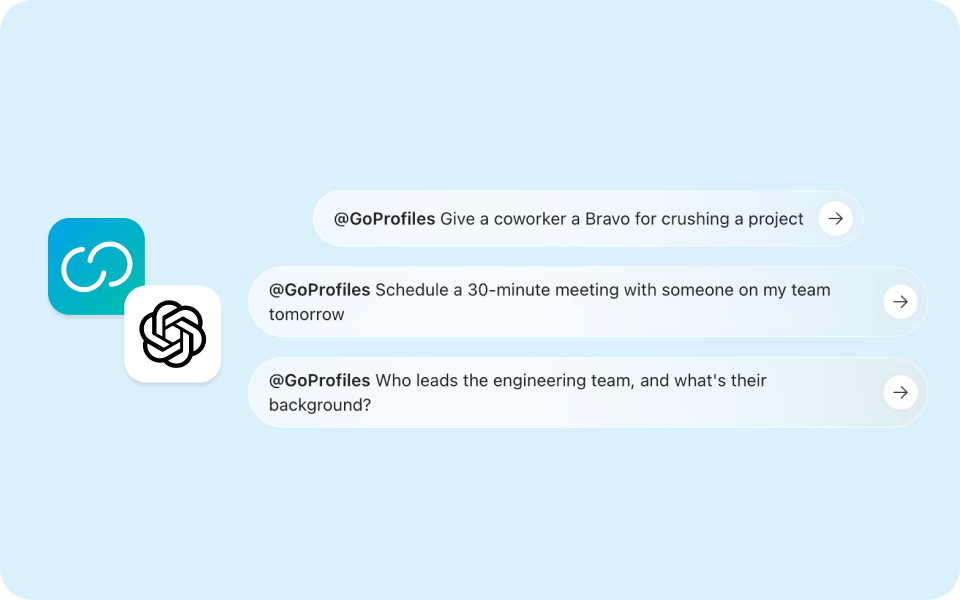
You can use the app to search for teammates and discover information from their GoProfiles profiles, including skills, interests, languages, groups, location, achievements, and other profile information.
For example, you could ask ChatGPT to find someone with experience in a particular area, identify teammates who share a skill or interest, or help you find the right person to connect with for a specific need.
The integration also goes beyond finding people. You can use GoProfiles in ChatGPT to give recognition and schedule meetings without leaving your current workflow.
That makes GoProfiles useful at the point where the question comes up. Instead of searching the employee directory first and then moving somewhere else to take action, you can bring people information into the same conversation.
See who’s out of the office at a glance
Knowing who is available matters when you’re planning meetings, assigning work, or trying to get a quick answer from the right teammate.
GoProfiles now has a dedicated Out of Office view that makes it easier to see who is away and when they’ll be back. You can view your entire company at once, or filter to just your reporting line or department.
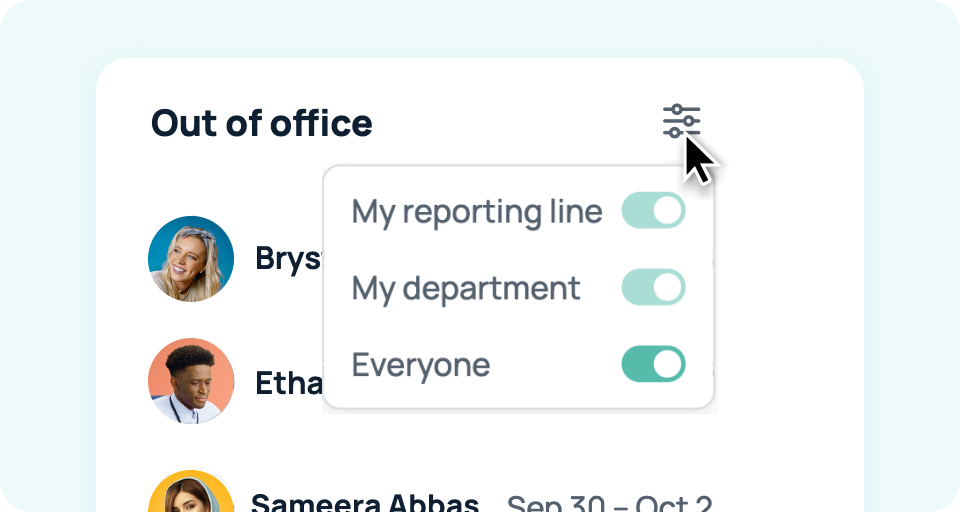
Instead of opening individual profiles or piecing together availability across different places, you can use the OOO view to get a clearer picture of who’s currently out and who’s coming up on PTO.
This is especially useful for teams working across locations and time zones. When you’re trying to find someone who can answer a question or participate in a meeting, availability is often just as important as role or expertise.
The Out of Office view adds that context directly to the people information your team already uses.
Draft Bravos and send recognition later
Recognition doesn’t always happen at the exact moment you think of it.
You might notice a teammate went above and beyond during a project but not have time to write a thoughtful Bravo right away. Or you might want to recognize someone for an accomplishment at a particular time, such as the end of a project, a team meeting, or a milestone.
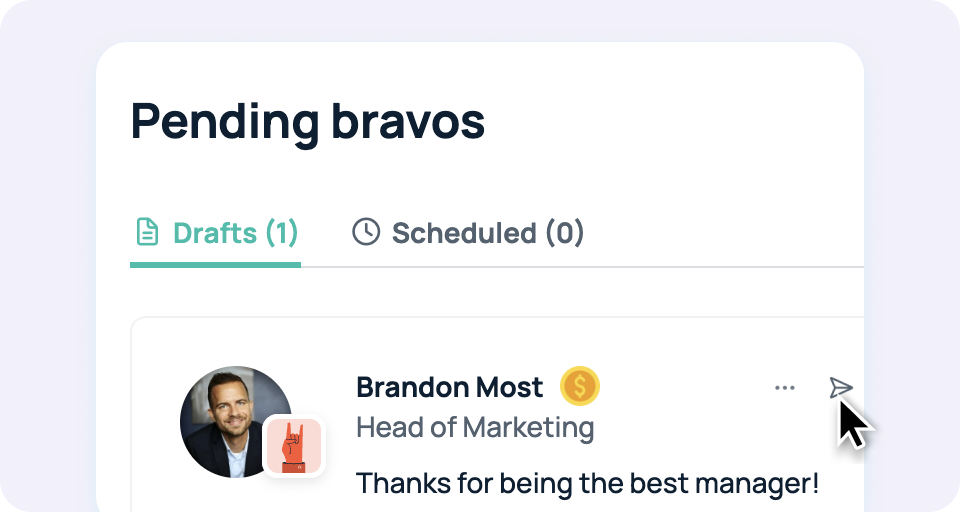
With draft Bravos, you can start writing your recognition and come back to it later.
Instead of losing the thought or rushing to finish it, save the Bravo as a draft and return to it when you’re ready.
More ways to connect people across your organization
GoProfiles brings together the people information that helps employees understand who their colleagues are, what they know, and how they’re connected.
The employee directory gives teams a central place to discover profiles and expertise. Org charts make reporting relationships easier to understand, while skills, interests, languages, groups, locations, and achievements provide more context about the people behind each role.
Recognition adds another layer by giving employees a way to celebrate accomplishments and contributions publicly.
The latest updates extend those experiences into more of the moments when people actually need them.
You can now ask ChatGPT to help you find and connect with the right teammate, check who is out of the office when planning work, or write and schedule recognition for a future moment.
Together, these features make GoProfiles more useful throughout the employee experience, from finding the right person to recognizing them.
New to GoProfiles? Get a personalized walkthrough of these new features and the entire platform.
Build a culture of connection and recognition with GoProfiles
Schedule a demo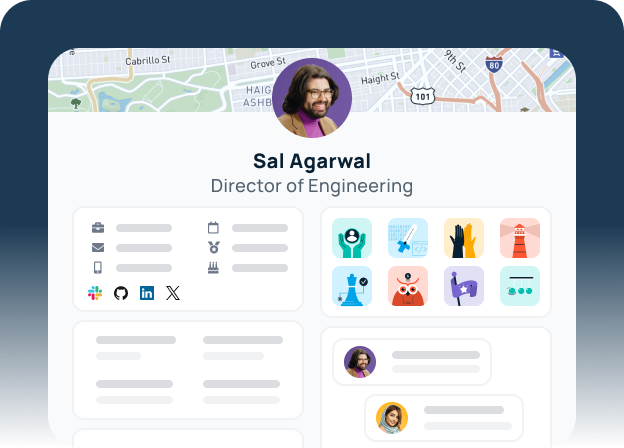
Frequently asked questions
What is the GoProfiles app for ChatGPT?
The GoProfiles app for ChatGPT brings your company’s people information into ChatGPT. You can use it to find teammates, discover expertise, and take actions such as giving recognition or scheduling meetings without switching between ChatGPT and GoProfiles. The app uses information from GoProfiles profiles to help you find the right people and connect with them.
Can ChatGPT help me find the right person at work?
Yes. With the GoProfiles app connected to ChatGPT, you can ask questions about people and expertise represented in your organization’s GoProfiles profiles. For example, you can look for teammates with particular skills, interests, languages, or certifications. This can help you identify who to connect with without manually searching through the employee directory.
What is the GoProfiles Out of Office view?
The Out of Office view gives teams a dedicated way to see which employees are currently away and when they are expected to return. See a global view of all company out-of-offices or filter to just your reporting line or department. It adds availability context to the people information in GoProfiles, making it easier to plan meetings, find available teammates, and understand when someone may be unavailable.
Why is an Out of Office view useful for an employee directory?
An employee directory tells you who someone is and how to contact them, but availability can be just as important when you’re trying to work with them. An Out of Office view adds that context by showing when teammates are away. This can make it easier to decide who to contact, plan around PTO, and avoid sending requests to someone who isn’t currently available.
What are Bravos in GoProfiles?
Bravos are a recognition feature in GoProfiles that lets employees celebrate their teammates and acknowledge contributions. They can be used to recognize achievements, thank colleagues, and highlight great work across the organization. With draft and scheduled Bravos, employees have more flexibility over when they write and send recognition.
How does GoProfiles help build connections at work?
GoProfiles gives employees more ways to discover and understand their colleagues through employee profiles, organizational information, expertise, and recognition. Employees can find people based on skills and interests, understand reporting relationships through the org chart, and celebrate teammates through Bravos. The goal is to make it easier for employees to find the people they need and build connections across the organization.