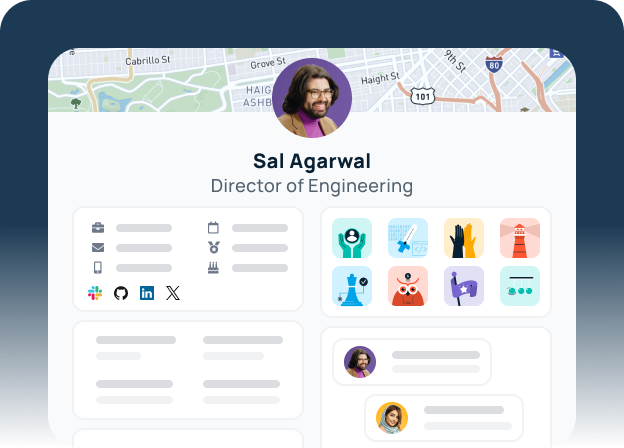

As organizations grow, the challenge of maintaining a clear, cohesive culture becomes more complex. You need to know who is leading which project, ensure your company branding is consistent, and meet your employees where they already work—whether that’s in Slack, Teams, or across multiple workspaces.
Our GoProfiles March updates are designed to solve these exact friction points. Here is a deep dive into what’s new at GoProfiles.
1. Clarify “Who’s Who” with Custom Group Roles
Standard job titles often don’t tell the whole story, especially within project-specific teams or Employee Resource Groups (ERGs). To bridge this gap, you can now create and assign custom roles like Team Lead, Coordinator, or Executive Sponsor within any user group.
By defining these specific roles, you provide immediate clarity on who is responsible for what. These roles appear as distinct badges on Group pages and employee profiles, eliminating the guesswork for employees looking for support. This ensures that every contributor’s unique impact is visible across the entire company.

2. Customize Your Org Chart Branding
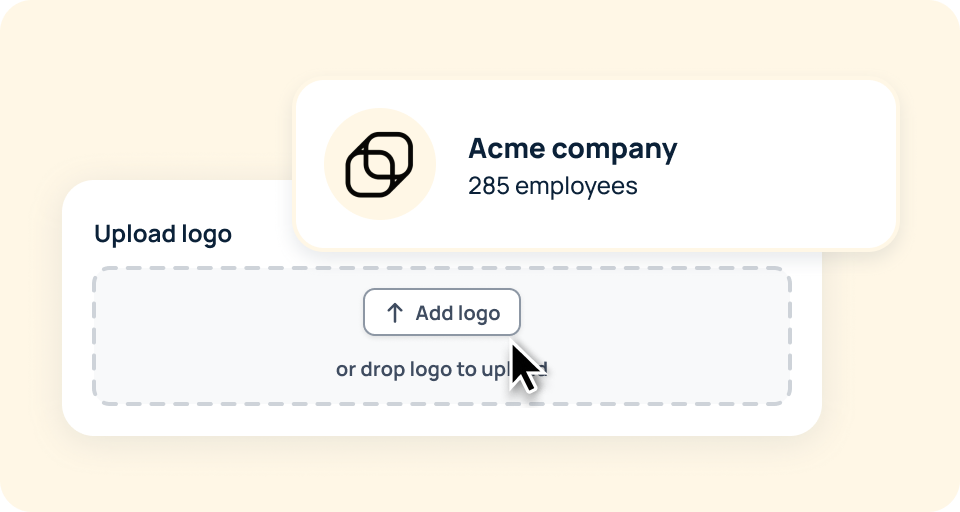
Your org chart is a vital tool for internal planning, board decks, and new hire onboarding. To ensure it feels like an extension of your own brand, we’ve added the ability to upload your square company logo within the Workspace Branding settings.
This update replaces the GoProfiles logo across the entire org chart experience. Whether your team is navigating the dashboard internally or you’re exporting a PDF for a high-level presentation, your org chart will reflect a polished, white-labeled look that is fully tailored to your company identity.
3. Streamline Identity Management with Slack Photo Syncs
Keeping an employee directory visually up to date is often a manual burden for HR teams. To streamline this process, you can now set Slack as the primary “source of truth” for employee profile photos.
By navigating to the Data Matching section of your People Data Settings, you can select Slack as the source for all profile images. Since employees are most likely to keep their Slack photos current, this automation ensures your directory, profiles, and org chart stay vibrant and recognizable without any manual intervention.
4. Scale Culture Across Multiple Slack Workspaces
For large enterprises or companies with multiple subsidiaries, fragmented communication across different Slack instances can lead to a siloed culture. GoProfiles now supports the ability to connect multiple Slack workspaces to a single account.
This allows you to broadcast culture-building milestones—such as birthdays, work anniversaries, and Bravos—to every workspace simultaneously. This update ensures that your recognition program reaches every corner of the organization, maintaining a unified employee experience regardless of which Slack instance a team uses.
5. Configure Precision Notifications for Microsoft Teams
We’re now offering Microsoft Teams users the same level of granular control over their internal communications as you get with Slack. You can now customize exactly when and where channel notifications are delivered, including the ability to send alerts to multiple channels at once.
For example, you can schedule birthday notifications to go out at 10 AM PST or choose to deliver a Bravo to both a central recognition channel and a specific department channel simultaneously. This level of control ensures that recognition is both timely and visible to all.
Ready to Level Up Your Employee Experience?
Whether you are looking to clean up your directory or scale your recognition program across a global team, GoProfiles March updates are ready for you to use today.
Existing Customers: Head over to your Workspace Settings to start branding your Org Chart or configuring your new role badges.
New to GoProfiles? See how we can help you build a more connected, transparent workplace.
Build a culture of connection and recognition with GoProfiles
Schedule a demo