


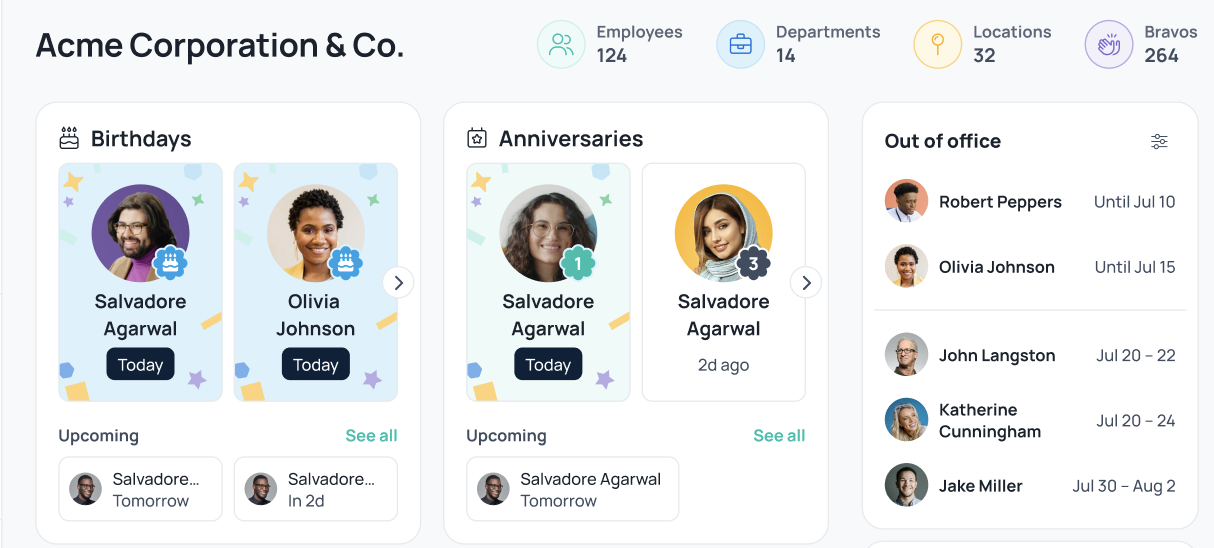
The OOO (Out of Office) card on GoProfiles shows which team members are currently out of office, helping everyone stay informed about availability. Information about a person’s upcoming OOO, meeting availability, online status, and their daily working hours are also available directly on their Profile Page.
- From the GoProfiles homepage, locate the OOO card on the right hand rail.
- Configure your OOO to see OOO within your reporting line, your department, or your entire workspace.
- If your OOO card isn’t visible, reach out to an admin and ask them to add your workspace calendar integration via the Integrations page.
You should now be able to use OOO card to keep your team connected and informed about availability. If you need further assistance, please consult the GoProfiles Help Center or Chat with us.