


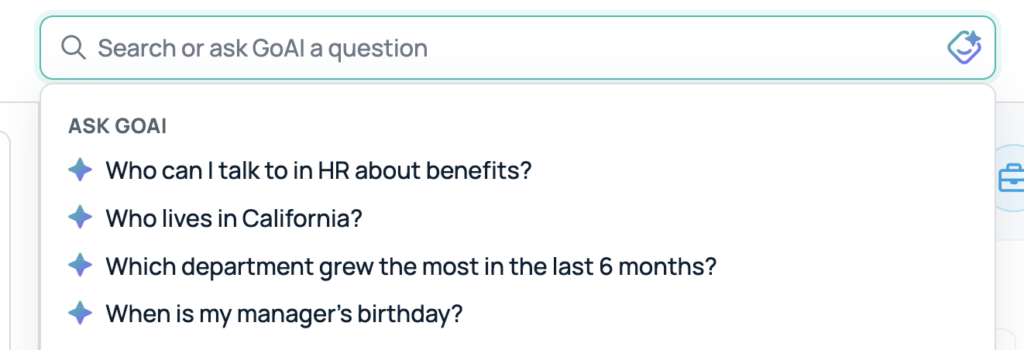
Find people, teams, and celebrations faster with the GoProfiles search bar on your dashboard. By turning on smart search and using GoAI, searching allows you to use natural language to quickly locate coworkers, filter by department or location, jump to profile pages, and discover key moments for your teammates.
Using the Search Bar
- From your GoProfiles dashboard, navigate to the search bar at the top.
- Search using a name, keyword, or ask a question.
- Here, you can filter results by Job title, Department, Location, Skill, Interest, or Group, sort by best match and hire date or jump to a colleague’s profile.
You should now be able to use the search bar. If you need further assistance, please consult the GoProfiles Help Center or Chat with Us.














