


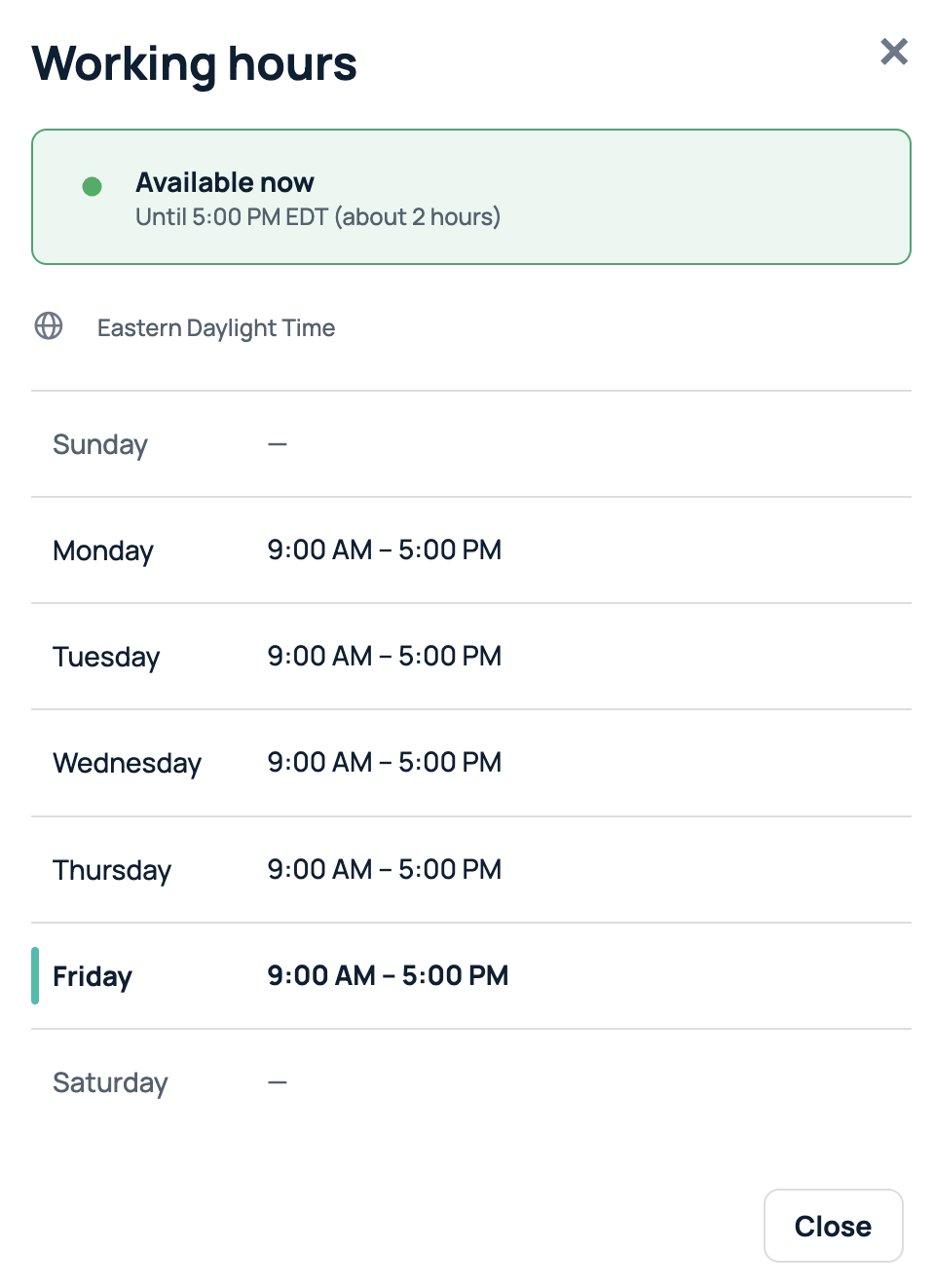
You can update your working hours in GoProfiles so your availability reflects when you typically start and end your day. This helps create a more accurate experience across your profile and makes your schedule easier for teammates to understand.
- From your GoProfiles dashboard, click your profile icon in the top right corner.
- Select Personal Settings from the drop-down menu.
- Locate the working hours fields and click Edit
- Here, you can select your working days and your working hours for each day.
- Click Save to apply your changes.
Your working hours are now updated in GoProfiles. If you need further assistance, please consult the GoProfiles Help Center or Chat with us.














