


This article is meant to provide you insight on what you should expect to see when your Customer Success Manager helps you connect Deel to GoProfiles via API. Reading this prior to connecting the two platforms can help you walk through the connection process smoothly.
Creating your Access Token in Deel
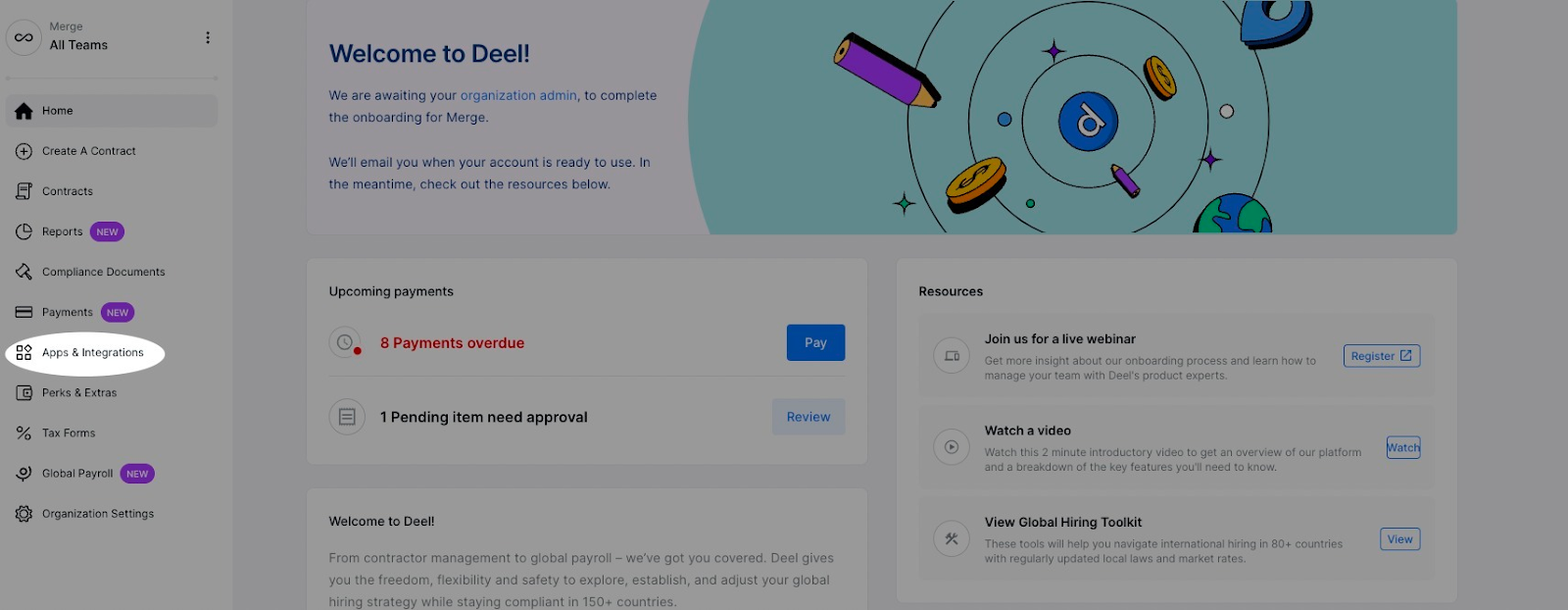
- In your Deel portal, go to Apps & Integrations on the left hand side.
- In the upper right, go to “Developer Center”.
- Note: If you do not see this, reach out to your account manager to get access.

- Click Generate New Token.
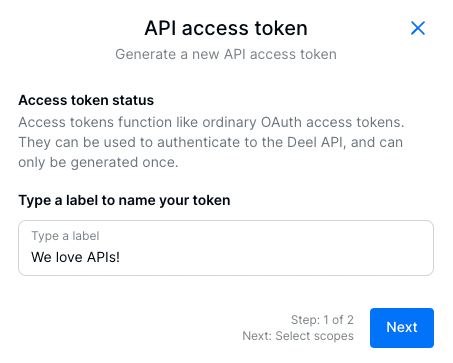
- Label your API access token and click Next.
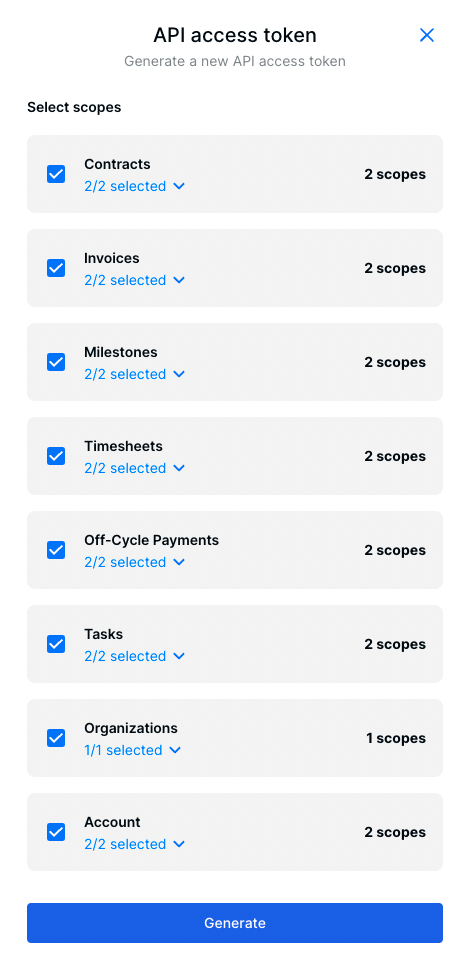
- Select all scopes to add to your access token and click Generate. Copy this token and keep it in a safe place.
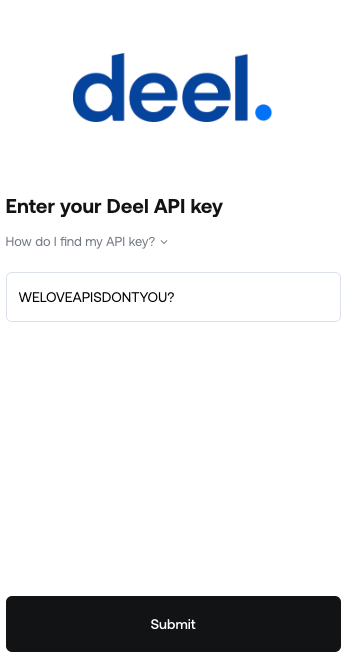
- Copy and paste your Access Token and add it to the Profiles Link.

You should now be able to set up Deel via API with your Customer Success Manager. If you need further assistance, please consult the GoProfiles Help Center or Chat with us.














