


GoLinks

Turn any link into a go/link, share it instantly, and skip the searching.

Human-readable links • Easy recall • Instant sharing • Works with any app • Always up to date

Discover GoLinks
GoSearch

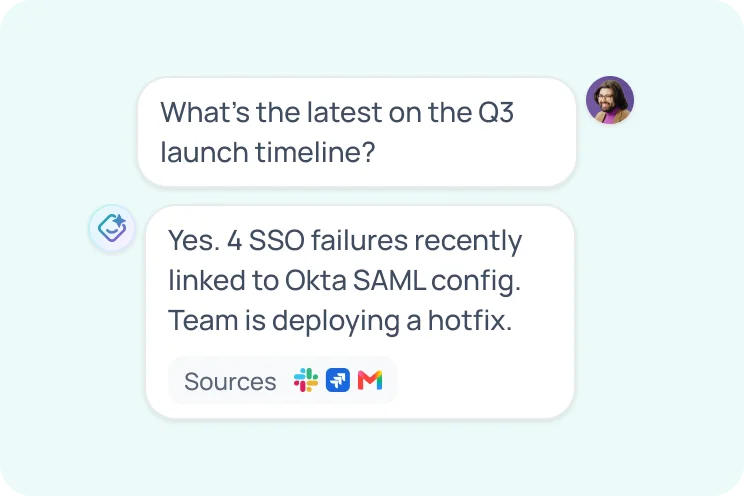
Search your company knowledge, get instant AI answers, and automate the work.

100+ Connectors • AI answers • Enterprise search • Custom agents • Workflow automation

Discover GoSearch
GoProfiles

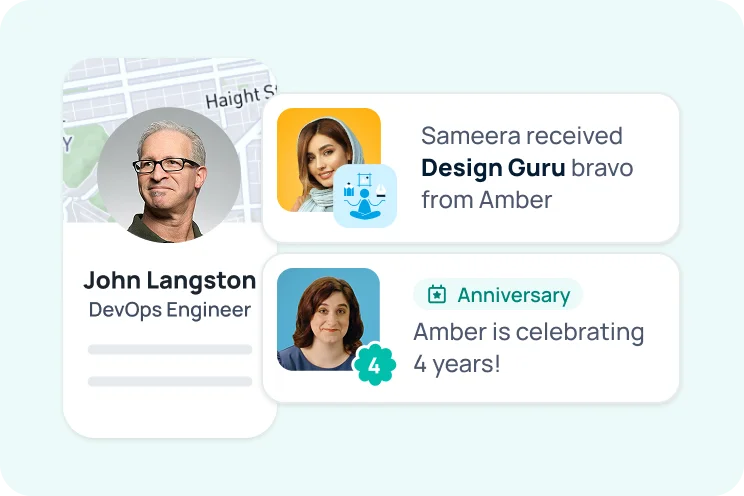
Discover teammates, understand your org, and recognize great work.

Org visibility • Employee profiles • Peer recognition • Expertise finder • Celebrations • Slack & Teams

Discover GoProfiles

GoProfiles Android App

The GoProfiles Android App lets you use GoProfiles on an Android phone natively.

How to Access the GoProfiles Android App

  1. Open Chrome on your Android phone.
  2. Go to GoProfiles and log in.
  3. Open the Integrations page .
  4. Scroll to the Android app section.
  5. Follow the prompts to download the GoProfiles App onto your device.
  6. After installation, open the GoProfiles App from your phone.

You should now be able to use the GoProfiles Android App. If you need further assistance, please consult the GoProfiles Help Center or Chat with us.

Need more help?

Technical support

Send us your technical inquiries

Contact us →
Contact sales

Demo or answer sales questions

Contact sales →
Chat with us

Get quicker responses with chat

Chat now →
Blog

GoProfiles and productivity articles

View blog →
Box vector large Box vector medium Box vector small

Connect employees with AI profiles and rewards

Connect employees with AI profiles and rewards