


The GoProfiles Chrome Extension is a powerful tool that enables you to use the “go/@” + TAB command in your web browser, allowing you to quickly search you or your team members profiles, without having to visit your GoProfiles dashboard directly. With the extension, you can instantly retrieve people data from GoProfiles, making information retrieval faster and more convenient.
How to install the Chrome Extension
Note: GoProfiles offers Chrome support on version 65 and newer.
- Find the GoProfiles browser extension and click “Add to Chrome” to begin the download.
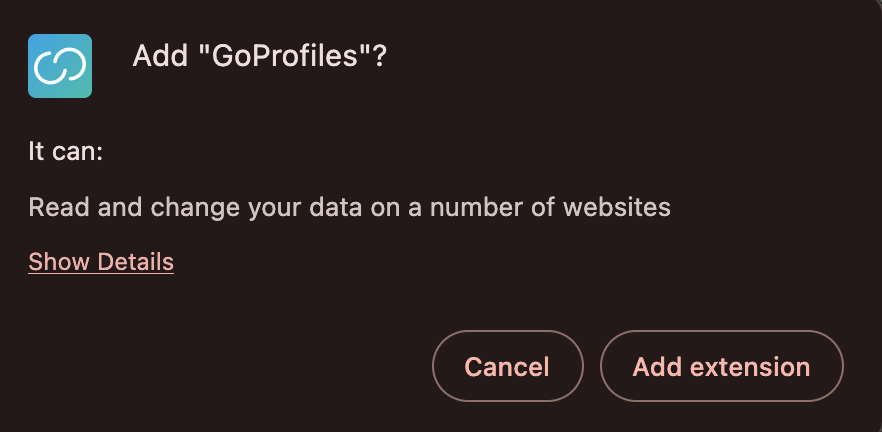
- Next, select “Add extension” on the pop-up.
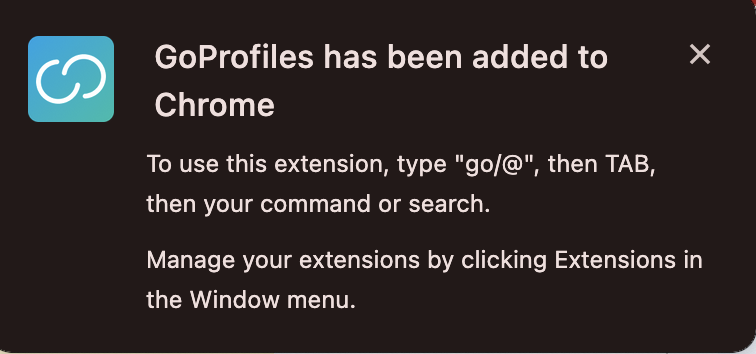
- After the extension is downloaded, the following message will appear with the following instructions:
- You are now ready to use the Profiles Chrome extension in your browser!
How to uninstall the Chrome Extension
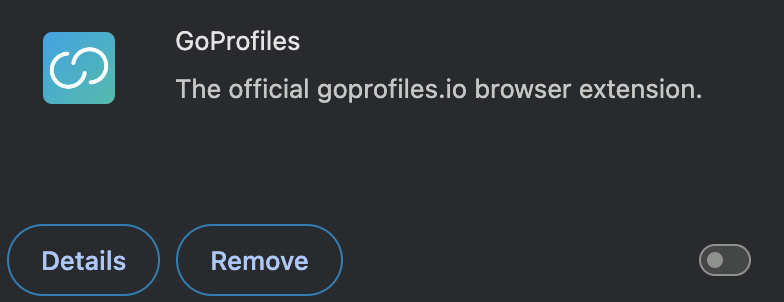
- Go to your Extensions and find the GoProfiles extension.
- Here, you can either turn it off using the enable button or click “Remove” to uninstall the extension completely.
You are now able to search people data easily with the GoProfile extension installed. If you need further assistance, please consult the GoProfiles Help Center, Contact Technical Support, or Chat with Us.














