


How to Manage Your Notifications
Choose which GoProfiles email notifications you receive and who they apply to. You can update these preferences at any time from your personal settings.
- From the dashboard, open your personal settings and select Notifications.
- Select the checkbox next to a notification category to turn its notifications on or off. Email notifications include:
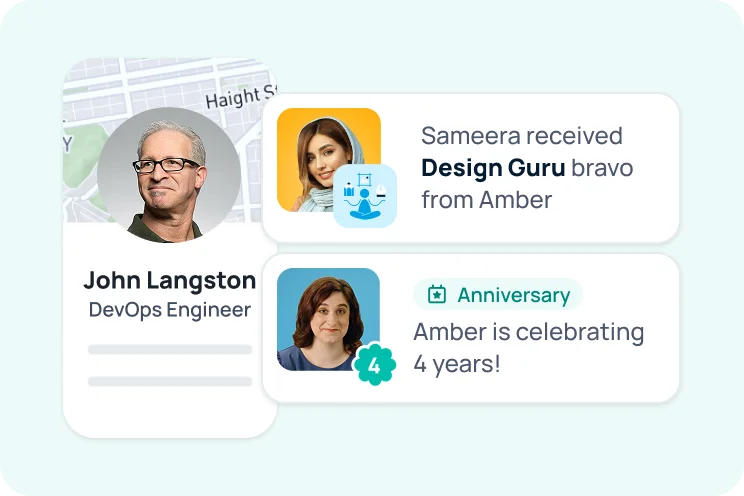
- Notifications: Bravo received and achievement received
- Reminders: Give bravo reminder and give points reminder
- Milestones: Birthdays, work anniversaries, and new hires
- Weekly digests: Weekly rundown and upcoming events
- Product updates: GoProfiles news, features, and platform improvements
- For birthdays, work anniversaries, and new hires, choose which group you want to be notified for.
- My workspace
- My department
- My manager, peers, and direct reports
- Myself
- Select Update to save your preferences.
Your notification preferences are now updated. If you need further assistance, please consult the GoProfiles Help Center or Chat with us.


