


This guide will outline the steps needed to connect with the Breathe data connector source for your HRIS set to GoProfiles with your Customer Success Manager.
Overview
To connect your Breathe account, you will need to provide an API key.
Prerequisites
You are an Administrator in your company’s Breathe instance, or someone has shared their access with you.
Instructions
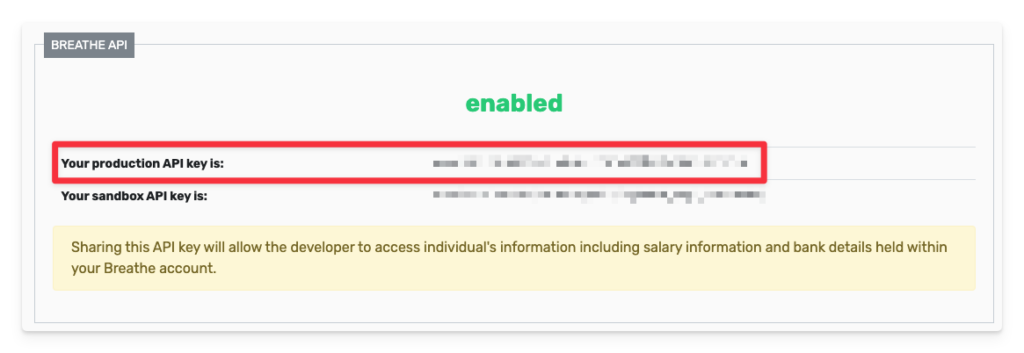
Step 1: Find your production API key
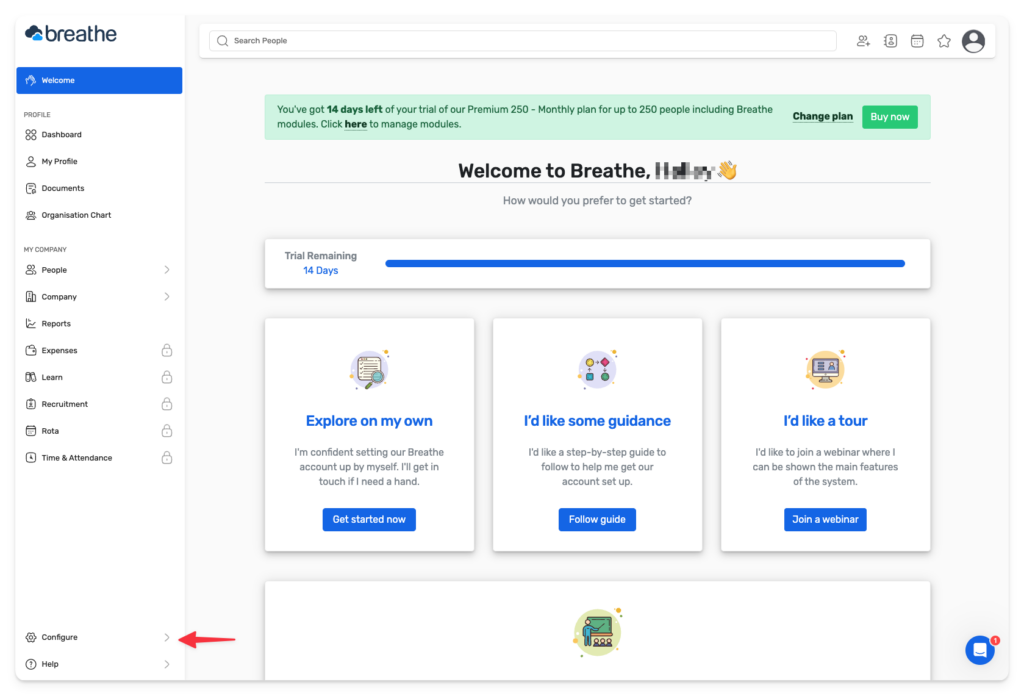
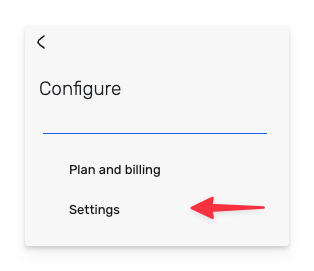
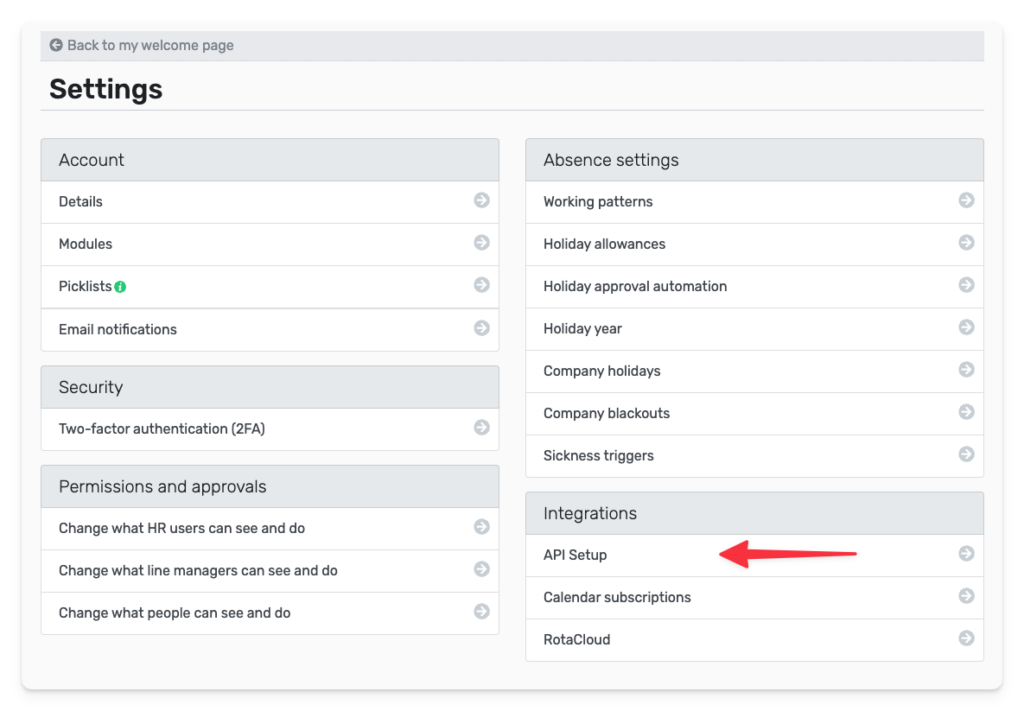
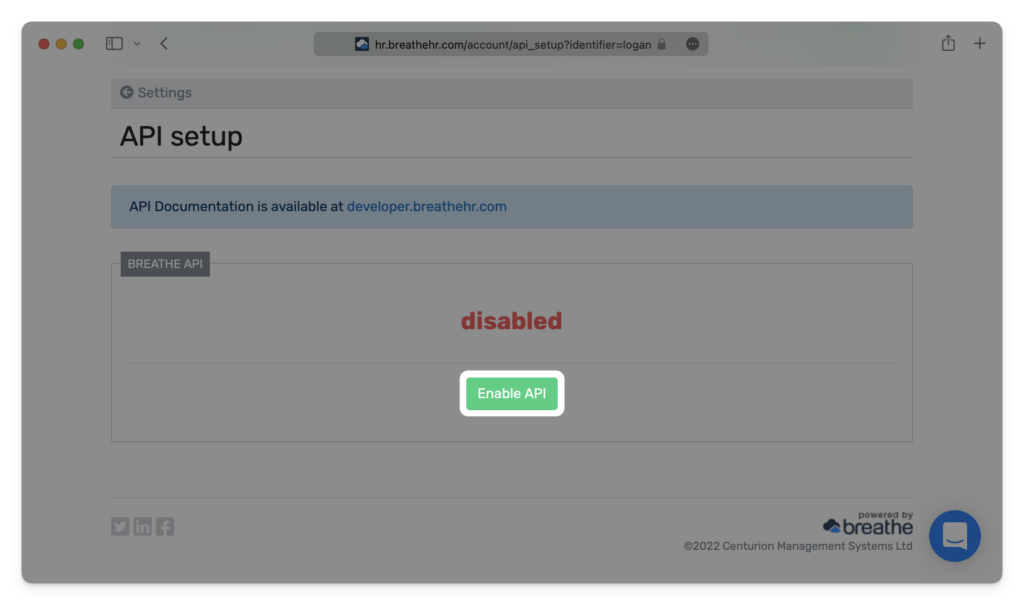
- Click Enable API if you haven’t already done so in the past. Agree to the terms that pop up on the subsequent screen.
Step 2: Enter your production API key in the linking window.

You should now be able to set up the Breathe HRIS Data Connector with your Customer Success Manager. If you need further assistance, please consult the GoProfiles Help Center or Chat with us.














