


This article will serve to walk you through how to set up your Freshteam Data Connector Source to GoProfiles with your Customer Success Manager.
GoProfiles integrates with Freshteam using an API Key, which simplifies the process of managing your employee data. This connection keeps your organization’s information updated automatically, so you don’t have to do it manually. By linking Freshteam to GoProfiles, you can easily access and organize employee details in one central place. This makes it easier to communicate, keep track of your team, and ensure everyone has the most current information.
Instructions
Step 1: Getting your Freshteam API Key.
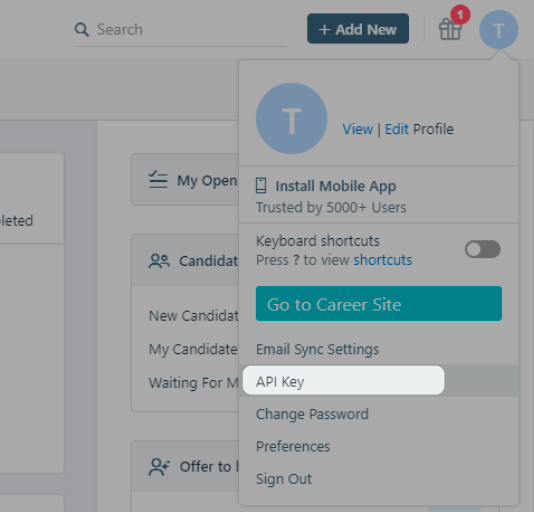
- Log in and hover over your profile image on the top right corner of any page. Select API Key in the dropdown menu.
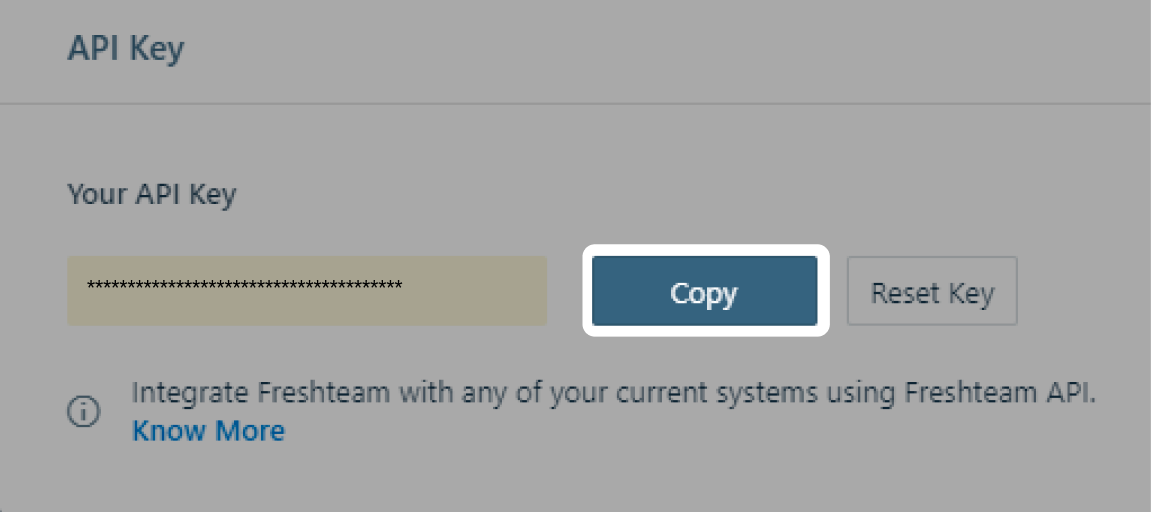
- Select Copy and paste the API key below.
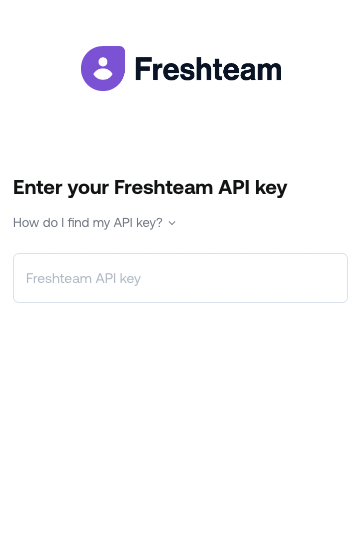
- Add in your Freshteam Subdomain and paste your API Key to the Profiles Link:
- Your integration is now complete.
You should now be able to set up the Freshteam Data Connector with your Customer Success Manager. If you need further assistance, please consult the GoProfiles Help Center or Chat with Us.














