


**You must be an admin within your GoProfiles instance in order to complete this integration. Please contact your workspace admin if you want to make changes to your Google Workspace connection.**
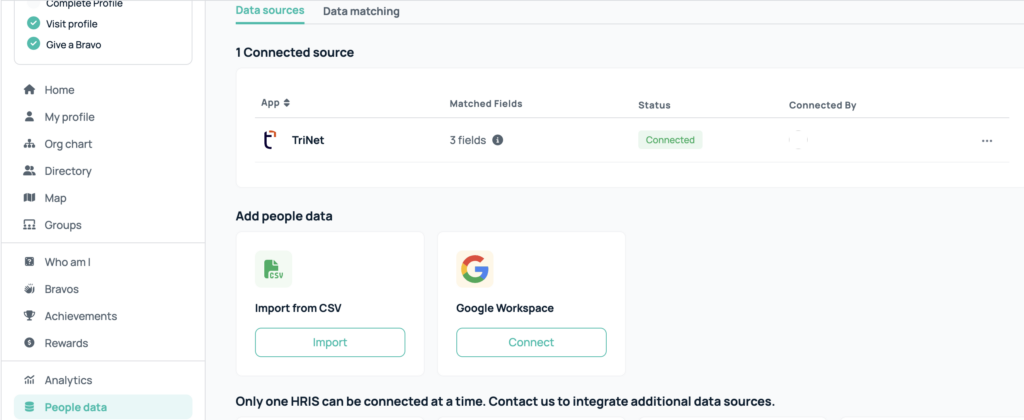
In your GoProfiles workspace, you can connect with Google Workspace to upload profile images for users. To configure, head to your GoProfiles workspace and navigate to the left-hand rail where you see “People Data”. You’ll see an option to connect with Google Workspace on the data sources tab. Click “Connect” and walk through the steps to finish the setup.
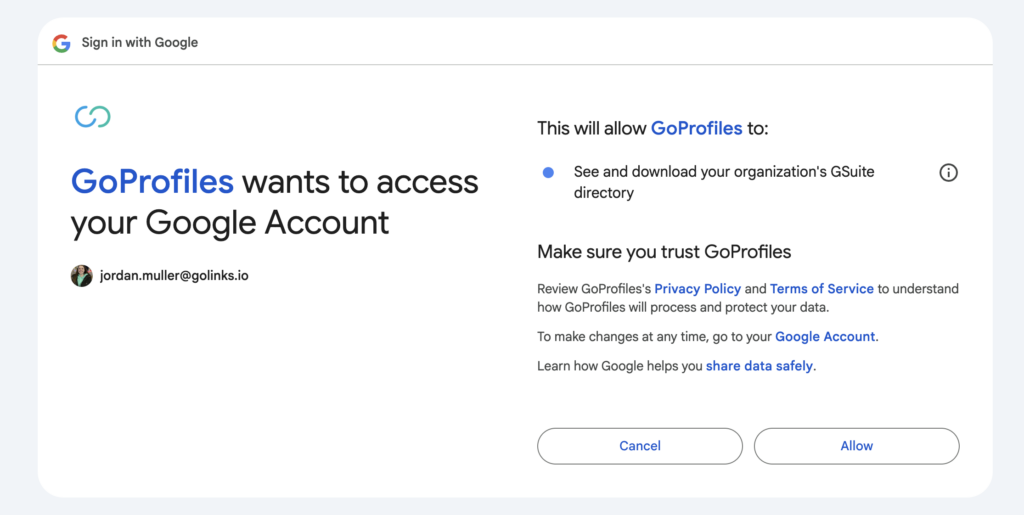
You must allow GoProfiles access to your Google Account.
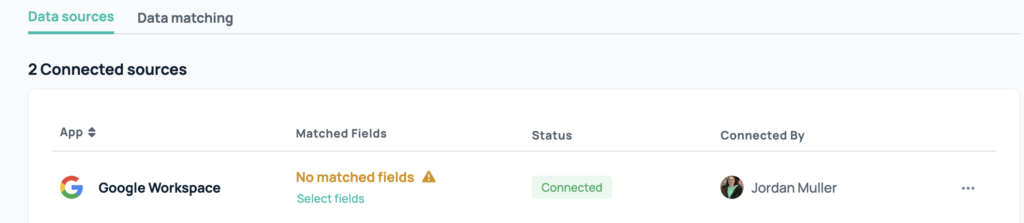
Once connected, you will see a notice that there are no matched fields. Hit “select fields,” and you will be sent to your data matching settings, where you need to select “Google Directory” for Profile images.

Once completed, you will see which data is pulled from the matched fields. Now you’re done!

If you need assistance, please contact support@goprofiles.io.














